1. Go to Groups tab:
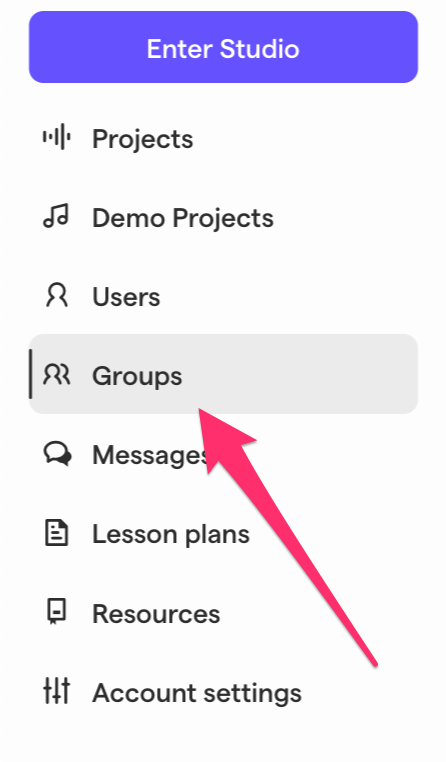
2. In the groups tab you're able to:
- Create Group - Check this support article: How to create a Soundtrap group
- Join Group
- Search groups
- Show My Groups Only - This shows the groups that you're a member of.
- Add students - Adding a student to the group
- Rename group
- Delete group
3. When opening a specific Group you're able to:
- In the ellipsis icon (⋯) you can Rename and Delete the Group
- Add Teachers
- Add Students
- Copy the Invite Code/Link
- Activate Invite Code/Link - For more information, visit: Enabling student registration with a group invite code
- Send Message to group - this will send a message to all members of the group
-
In the ellipsis icon (⋯) next to the user name you can:
- Edit user profile - To edit First and Last name, Password and Role.
- Send Message to the user
- Remove user from group
Comments
0 comments
Please sign in to leave a comment.